

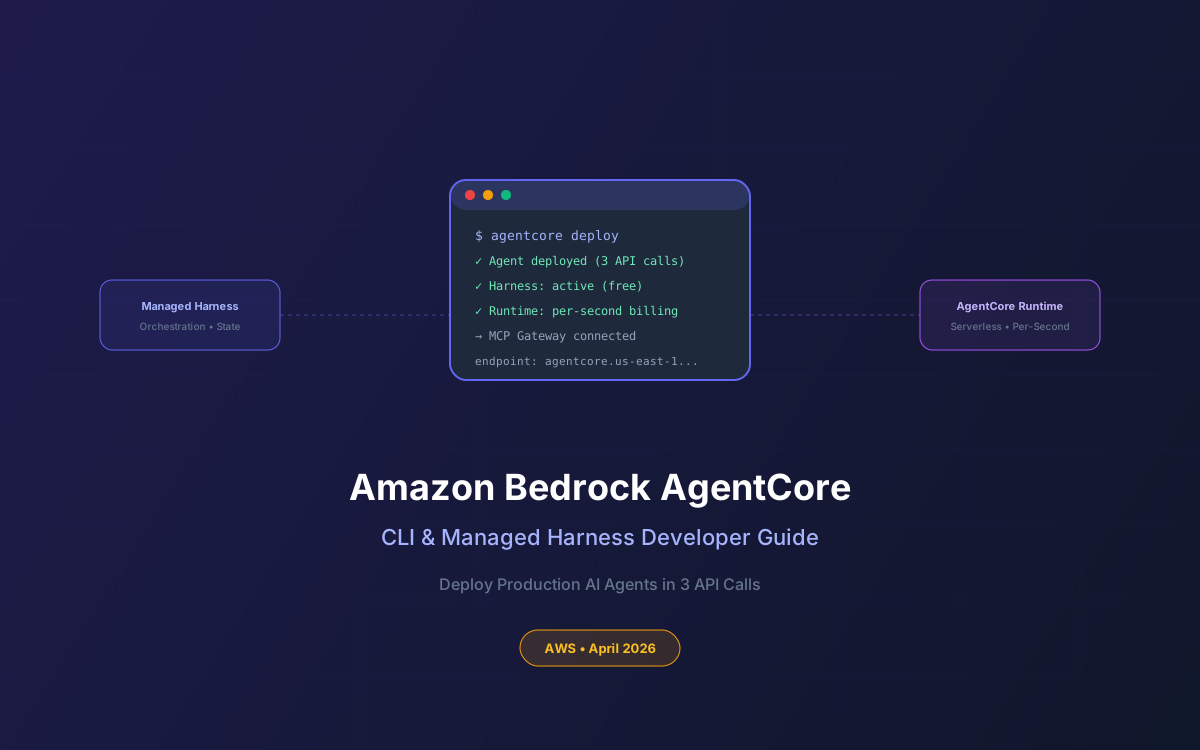
Building AI agents that actually work in production has always been the hard part. You pick a model, write some prompts, and then spend weeks building the infrastructure around it - session management, tool routing, rate limiting, observability, and graceful degradation when things break. On April 22, 2026, AWS shipped an update to Amazon Bedrock AgentCore that eliminates most of that plumbing.
The new managed agent harness and AgentCore CLI let you stand up a working autonomous agent through configuration rather than orchestration code. Three API calls. No backend scaffolding. The harness itself is free - you pay only for the compute your agent actually consumes, billed per-second with zero charges during I/O wait.
This guide covers everything you need to go from zero to a deployed agent: CLI installation, harness architecture, prebuilt coding skills, the MCP Gateway for tool connections, pricing breakdown, and production patterns we recommend at Lushbinary.
📋 What This Guide Covers
- What Changed on April 22, 2026
- AgentCore Architecture Overview
- Installing & Using the AgentCore CLI
- The Managed Agent Harness
- AgentCore Runtime: Per-Second Billing
- MCP Gateway & Tool Connections
- Prebuilt Coding Skills
- Pricing Breakdown
- Production Deployment Patterns
- AgentCore vs LangGraph vs CrewAI
- Why Lushbinary for AI Agent Development
1What Changed on April 22, 2026
AWS introduced three major additions to Amazon Bedrock AgentCore:
- Managed Agent Harness - A pre-built infrastructure layer that handles orchestration, compute provisioning, tool connections, and session state. You configure an agent and invoke it; the harness does the rest.
- AgentCore CLI - An npm-distributed command-line tool that scaffolds agent projects, deploys them to AgentCore Runtime, and invokes them directly from your terminal.
- Prebuilt Coding Skills - Ready-to-use agent capabilities for code generation, review, and refactoring that plug into the harness without custom development.
🎤 AWS re:Invent 2025 Context
AgentCore was first announced at re:Invent 2025 (December 2, 2025) alongside shell command execution and managed session storage. The April 2026 update builds on that foundation with the managed harness and CLI, making the "3 API calls to production" workflow possible.
2AgentCore Architecture Overview
AgentCore is structured as a set of composable services you can use independently or together:
The key insight: the harness sits between your code and the runtime, handling all the orchestration logic that teams typically spend weeks building. You define what the agent should do; AgentCore handles how it runs.
3Installing & Using the AgentCore CLI
The CLI is distributed as an npm package. Prerequisites: Node.js (any recent LTS), Python 3.10+, and configured AWS credentials.
# Install globally
npm install -g @aws/bedrock-agentcore-cli
# Scaffold a new agent project
agentcore init my-support-agent
# Deploy to AgentCore Runtime
agentcore deploy
# Invoke the agent
agentcore invoke --prompt "Investigate the latency spike in us-east-1"
The init command generates a Python project with a pre-configured agent definition, tool bindings, and deployment configuration. The generated code uses the AgentCore SDK to define agent behavior:
# agent.py (generated by CLI)
from agentcore import Agent, Tool
agent = Agent(
model="anthropic.claude-opus-4-7",
instructions="You are a DevOps assistant...",
tools=[Tool.shell(), Tool.code_interpreter()],
timeout_seconds=3600,
max_steps=75,
)
4The Managed Agent Harness
The harness is the centerpiece of this update. It's a pre-built orchestration layer that handles:
- Session management - Maintains conversation state, tool call history, and context across invocations without you managing a database
- Tool orchestration - Routes tool calls to the right MCP servers, AWS services, or shell commands with automatic retry and error handling
- Guardrails - Enforces token limits, step limits, and timeout boundaries to prevent runaway agents
- Model routing - Supports any Bedrock model or custom inference profile, with the ability to switch models mid-session
The "3 API calls" workflow looks like this:
# 1. Create agent configuration
POST /agents
{ "model": "...", "tools": [...], "instructions": "..." }
# 2. Create a session
POST /agents/{agentId}/sessions
# 3. Invoke the agent
POST /agents/{agentId}/sessions/{sessionId}/invoke
{ "prompt": "Your task here" }
5AgentCore Runtime: Per-Second Billing
The runtime is where your agent code actually executes. It's a serverless environment built on microVMs with a billing model designed specifically for agentic workloads:
| Resource | Billing Model | Key Detail |
|---|---|---|
| CPU | Actual consumption per second | Zero CPU during I/O wait = $0 |
| Memory | Peak memory per second | 128MB minimum billing |
| Storage | S3 Standard rates (code) or ECR (containers) | Managed session storage in preview |
| Harness | Free | No extra charge for orchestration |
This matters because agentic workloads typically spend 30-70% of their time in I/O wait - waiting for LLM responses, API calls, or database queries. With traditional compute (EC2, Lambda), you pay for that idle time. With AgentCore Runtime, idle time is free.
💡 Cost Implication
For a typical agent that spends 50% of its time waiting on LLM responses, AgentCore Runtime can be ~50% cheaper than running the same workload on Lambda or ECS. The savings scale with how I/O-heavy your agent is.
6MCP Gateway & Tool Connections
The AgentCore Gateway provides a centralized layer for managing how AI agents connect to tools and MCP servers across your organization. It consolidates authentication, observability, and policy enforcement into a single endpoint.
- Centralized auth - OAuth 2.0 Authorization Code flow for MCP server connections, managed at the gateway level
- Policy enforcement - Define which agents can access which tools, with IAM-based access control
- Observability - Every tool call is logged with latency, success/failure, and token usage
- Rate limiting - Protect downstream services from agent-driven traffic spikes
You register MCP servers with the gateway once, and any agent in your account can use them (subject to IAM policies). No per-agent configuration of tool endpoints.
7Prebuilt Coding Skills
The April update also shipped prebuilt coding skills that plug directly into the harness. These give agents the ability to:
- Execute shell commands in a sandboxed environment (launched March 17, 2026)
- Read and write files with persistent session storage (launched March 25, 2026)
- Generate, review, and refactor code using the agent's model
- Run test suites and interpret results
Combined with the managed harness, this means you can deploy a coding agent that clones a repo, makes changes, runs tests, and submits a PR - all without writing orchestration code yourself.
8Pricing Breakdown
AgentCore uses consumption-based pricing with no upfront commitments:
| Component | Cost |
|---|---|
| Managed Harness | Free |
| AgentCore Runtime (CPU) | Per-second, actual consumption only |
| AgentCore Runtime (Memory) | Per-second, peak memory (128MB min) |
| MCP Gateway | Per-request pricing |
| Agent Registry | Free during preview |
| Model inference | Standard Bedrock model pricing |
New AWS customers receive up to $200 in Free Tier credits. The "pay only for active compute" model makes AgentCore particularly cost-effective for agents that do a lot of waiting (which is most of them).
9Production Deployment Patterns
Based on our experience deploying AI agents for clients, here are the patterns that work best with AgentCore:
Pattern 1: DevOps Incident Responder
An agent that monitors CloudWatch alarms, investigates incidents by correlating logs and metrics, and posts findings to Slack. Uses shell commands to run diagnostic scripts and the MCP Gateway to connect to PagerDuty and Jira.
Pattern 2: Code Review Agent
Triggered by GitHub webhooks, this agent clones PRs, runs static analysis, executes tests, and posts review comments. The prebuilt coding skills handle file I/O and shell execution; the harness manages the multi-step workflow.
Pattern 3: Customer Support Triage
An agent connected to Zendesk via MCP that reads tickets, queries internal documentation, drafts responses, and escalates complex issues to humans. Session storage maintains context across multi-turn conversations.
🏗️ Architecture Tip
Use the managed harness for orchestration and AgentCore Runtime for compute, but keep your business logic in the agent code itself. The harness handles the "how" (routing, retries, state); your code defines the "what" (domain logic, decision criteria, output format).
10AgentCore vs LangGraph vs CrewAI
How does AgentCore compare to popular open-source agent frameworks?
| Feature | AgentCore | LangGraph | CrewAI |
|---|---|---|---|
| Infrastructure | Fully managed | Self-hosted or LangSmith | Self-hosted |
| Billing | Per-second, active only | Compute + LangSmith fees | Compute only |
| Model support | All Bedrock models | Any (via LangChain) | Any (via LiteLLM) |
| MCP native | Yes (Gateway) | Via adapters | Via adapters |
| Session persistence | Built-in | Checkpointing | Manual |
| Best for | AWS-native teams | Complex graph workflows | Multi-agent teams |
AgentCore's sweet spot is teams already on AWS who want managed infrastructure without vendor lock-in on the model layer. If you need complex graph-based workflows with conditional branching, LangGraph gives you more control. If you need multi-agent collaboration patterns, CrewAI is purpose-built for that. For a deeper comparison, see our agent framework comparison guide.
11Why Lushbinary for AI Agent Development
At Lushbinary, we've been building production AI agents on AWS since the early days of Bedrock. We help teams:
- Design agent architectures that balance cost, latency, and reliability
- Implement MCP Gateway integrations connecting agents to internal tools and data
- Set up observability and guardrails for safe autonomous operation
- Migrate from self-hosted frameworks (LangChain, CrewAI) to managed AgentCore
- Build custom coding agents for CI/CD, code review, and incident response
🚀 Free Consultation
Want to deploy AI agents on AWS without the infrastructure headaches? Lushbinary specializes in AgentCore deployments and MCP integrations. We'll scope your agent architecture, recommend the right model and tool setup, and give you a realistic timeline — no obligation.
❓ Frequently Asked Questions
What is Amazon Bedrock AgentCore?
A managed platform for building, deploying, and operating AI agents at scale without infrastructure management. It includes a serverless runtime, MCP Gateway for tool connections, intelligent memory, and observability - all billed per-second based on actual resource consumption.
How much does Amazon Bedrock AgentCore cost?
The managed harness is free. You pay only for underlying resources: AgentCore Runtime bills per-second based on actual CPU consumption and peak memory (128MB minimum). I/O wait time is free. New AWS customers get up to $200 in Free Tier credits.
What is the AgentCore CLI and how do I install it?
The AgentCore CLI is an npm package that scaffolds agent projects, deploys them to AgentCore Runtime, and invokes them. Install with 'npm install -g @aws/bedrock-agentcore-cli'. Requires Node.js, Python 3.10+, and configured AWS credentials.
Can I deploy an AI agent with just 3 API calls?
Yes. The managed harness handles orchestration, compute, tool connections, and session state. You configure the agent (model, tools, instructions), create a session, and invoke it - 3 calls total. No orchestration code required.
What models does AgentCore support?
AgentCore works with any model available on Amazon Bedrock including Claude Opus 4.7, Claude Sonnet 4, GPT-5.5, GPT-5.4, Llama 4, and others. You can also bring your own model endpoint via custom inference profiles.
📺 Related re:Invent Sessions
- AIM302: Building Production AI Agents with Amazon Bedrock AgentCore- Deep dive into AgentCore architecture and deployment patterns
- AIM401: Advanced Agent Orchestration on AWS- Multi-agent patterns, MCP Gateway, and observability
📚 Sources
- Amazon Bedrock AgentCore - Official Product Page
- AgentCore Pricing - AWS
- Get Started with the AgentCore CLI - AWS Documentation
- AgentCore Getting Started Guide - AWS
Content was rephrased for compliance with licensing restrictions. Pricing and feature details sourced from official AWS documentation as of April 2026. Pricing may change - always verify on the AWS pricing page.
Ready to Deploy AI Agents on AWS?
Let Lushbinary design and deploy your AgentCore-powered AI agents. From architecture to production - we handle the infrastructure so you can focus on business logic.
Ready to Build Something Great?
Get a free 30-minute strategy call. We'll map out your project, timeline, and tech stack - no strings attached.
Prefer email? Reach us directly:


