
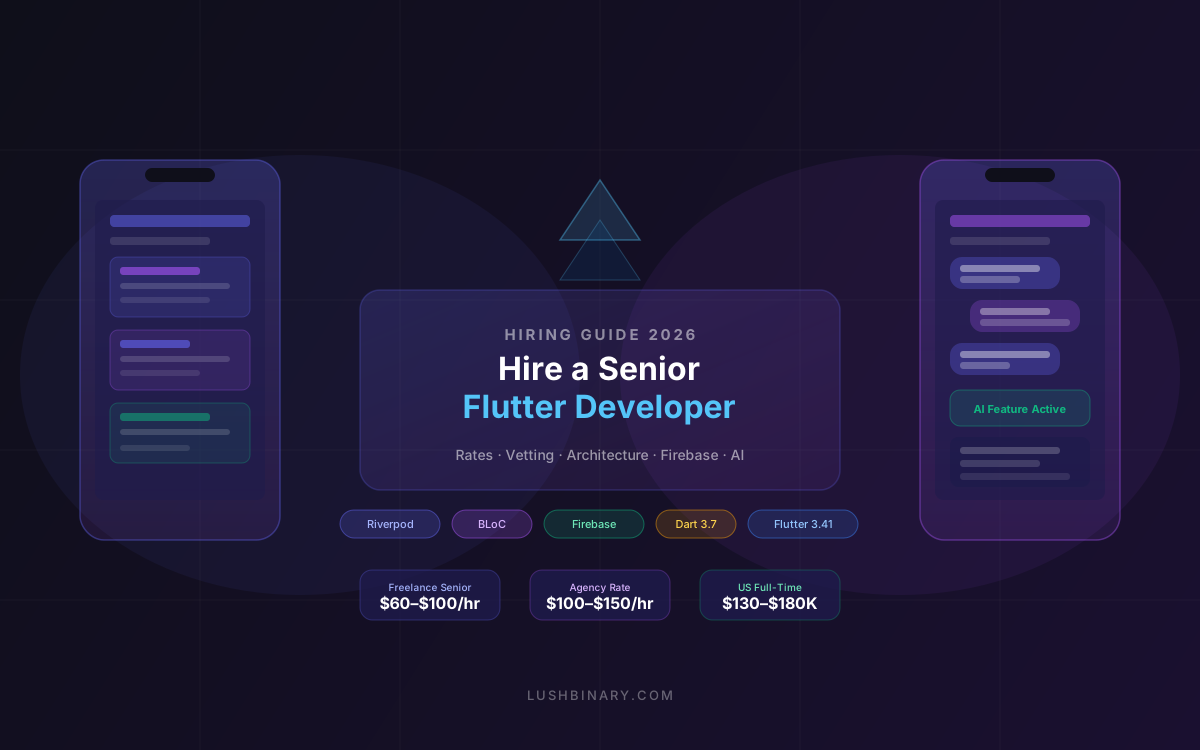
You posted the job. You got 200 applications. Half of them have "Flutter" in the title, a GitHub link to a to-do app, and three years of "experience" that amounts to following the same YouTube tutorial series. The other half are agencies quoting premium rates for a team you'll never meet.
Here's the reality: Flutter's approachable learning curve has produced a massive pool of developers who can build screens but cannot architect a production app. The gap between "can follow a Flutter tutorial" and "can own a production codebase with Firebase, REST APIs, and AI features" is enormous — and it is exactly the gap that kills mobile projects.
This guide gives you the tools to close that gap. We cover what a senior Flutter developer actually knows, how to vet candidates without being technical yourself, and which hiring model fits your situation.
📋 Table of Contents
- 1.Why Flutter for Production Mobile Apps in 2026
- 2.What a Senior Flutter Developer Actually Knows
- 3.Hiring Models: Freelancer vs Agency vs In-House
- 4.How to Vet a Flutter Developer (Technical & Non-Technical)
- 5.Red Flags That Signal a Bad Hire
- 6.The Production App Checklist: What to Scope Before Hiring
- 7.Firebase, REST APIs & AI Integration: What to Expect
- 8.Why Lushbinary for Your Flutter Project
1Why Flutter for Production Mobile Apps in 2026
Flutter is now the second most popular cross-platform framework according to the 2024 Stack Overflow Developer Survey, with 46% year-over-year growth. As of March 2026, the latest stable release is Flutter 3.41 (Dart 3.7), which ships with:
- ~50% reduction in frame rasterization time for complex scenes, maintaining steady 60fps or 120fps on capable hardware
- Improved texture caching and buffer management for lower memory footprint
- A published stable release cadence for 2026 with branch cutoff dates, making upgrade planning predictable
- Continued improvements to the Impeller rendering engine on both iOS and Android
The business case for Flutter is straightforward: one codebase ships to iOS and Android simultaneously, with near-native performance and pixel-perfect UI control. For a startup or growth-stage company, this means faster iteration, lower maintenance overhead, and a smaller engineering team.
The catch is that Flutter's single-codebase promise only holds if the developer understands both platforms. A Flutter developer who doesn't understand iOS provisioning, Android Gradle build variants, or platform channel integration will hit walls the moment you need a native feature.
2What a Senior Flutter Developer Actually Knows
Most Flutter developers can build a screen. Senior Flutter developers can build a system. Here is what separates them:
🏗️ Architecture & Clean Code
A senior developer structures the codebase into clear layers: data (repositories, data sources, models), domain (use cases, entities), and presentation (widgets, view models). This separation means features can be added, tested, and replaced without cascading breakage. They understand when to use Clean Architecture and when it is overkill for a small app.
⚙️ State Management Mastery
In 2026, the two dominant production-grade state management solutions are Riverpod v2.x and BLoC. Riverpod is preferred for new projects due to compile-time safety and reduced boilerplate. BLoC remains common in enterprise codebases. A senior developer is fluent in both and can explain the trade-offs clearly. They also understand when simpler solutions like setState or InheritedWidget are the right call.
🎨 Widget Tree & Rendering Performance
Senior developers understand the widget rebuild cycle deeply. They know how to use const constructors to prevent unnecessary rebuilds, when to use RepaintBoundary to isolate expensive paint operations, and how to profile with Flutter DevTools to identify jank. They can read a frame timeline and know what "raster thread" vs "UI thread" means.
📱 Platform Integration
Production apps always need native features: push notifications, in-app purchases, deep linking, camera access, biometric auth, or background processing. A senior Flutter developer knows how to write platform channels in Swift/Kotlin when a pub.dev package doesn't exist or isn't maintained. They understand iOS entitlements, Android permissions, and the App Store / Play Store review process.
🧪 Testing Strategy
Unit tests for business logic, widget tests for UI components, integration tests for critical user flows. A senior developer writes testable code from the start (dependency injection, no static singletons) and knows how to mock platform dependencies in tests.
3Hiring Models: Freelancer vs Agency vs In-House
There is no universally correct hiring model. The right choice depends on your timeline, budget, product maturity, and how central the mobile app is to your business.
Freelancer
Agency / Development Partner
In-House Full-Time
Staff Augmentation
4How to Vet a Flutter Developer (Technical & Non-Technical)
You don't need to be a Flutter expert to vet one. You need to ask the right questions and know what good answers look like.
Step 1: Review Their Production Apps
Ask for App Store and Google Play links to apps they shipped, not Figma mockups or GitHub repos of tutorial projects. Install the apps. Check the reviews. Look for:
- Smooth animations and transitions (no jank)
- Consistent UI across iOS and Android
- Proper handling of edge cases (empty states, errors, loading)
- App store ratings and recency of updates
Step 2: Architecture Walkthrough
Ask them to walk you through the architecture of one of their production apps. A senior developer will describe layers, explain why they chose a particular state management solution, and mention trade-offs. A junior developer will describe screens and features.
Step 3: Paid Trial Task
Before committing to a full engagement, assign a small paid task (4–8 hours) that mirrors your actual work. For a production app with Firebase and REST APIs, a good trial task might be:
// Example trial task
Build a Flutter screen that:
1. Fetches a list of items from a mock REST API (Dio)
2. Displays them in a ListView with loading/error/empty states
3. Allows the user to mark an item as favorite (persisted locally)
4. Uses Riverpod for state management
5. Includes at least one widget test
Evaluate the code for: clean architecture, proper error handling, testability, and whether they used const constructors where appropriate. The quality of the code tells you more than any interview.
5Red Flags That Signal a Bad Hire
These are patterns that consistently predict poor outcomes on production Flutter projects:
6The Production App Checklist: What to Scope Before Hiring
Before you post a job or contact an agency, define the scope clearly. Vague briefs attract vague developers and produce vague estimates. For a production Flutter app with Firebase, REST APIs, and AI features, you need to answer:
7Firebase, REST APIs & AI Integration: What to Expect
Your brief mentions Firebase, REST APIs, and AI features. Here is what a senior Flutter developer should be able to deliver for each:
🔥 Firebase Integration
The FlutterFire plugin suite (firebase_core, firebase_auth, cloud_firestore, firebase_storage, firebase_messaging) is the standard approach. A senior developer will:
- Structure Firestore data models to minimize reads (denormalization where appropriate)
- Use Firebase Auth with proper token refresh handling and secure storage of credentials
- Set up FCM for push notifications with proper APNs certificate configuration on iOS
- Write Firestore security rules that enforce data access at the database level, not just in the app
- Use Firebase Functions for server-side logic that shouldn't run on the client (payment processing, AI API calls)
🌐 REST API Integration
The standard HTTP client for Flutter production apps is Dio (not the built-in http package), because it supports interceptors for auth token injection, retry logic, and request cancellation. A senior developer will:
// Dio with auth interceptor pattern
final dio = Dio(BaseOptions(baseUrl: 'https://api.example.com'));

dio.interceptors.add(InterceptorsWrapper(
  onRequest: (options, handler) async {
    final token = await secureStorage.read(key: 'access_token');
    options.headers['Authorization'] = 'Bearer $token';
    handler.next(options);
  },
  onError: (error, handler) async {
    if (error.response?.statusCode == 401) {
      // Refresh token and retry
      await refreshToken();
      handler.resolve(await dio.fetch(error.requestOptions));
    } else {
      handler.next(error);
    }
  },
));
🤖 AI Feature Integration
AI features in a Flutter app typically fall into three patterns:
- Chat interface: streaming responses from OpenAI, Claude, or Gemini APIs via server-side Firebase Functions (never call AI APIs directly from the client — it exposes your API key)
- Content generation: user triggers an action, the app calls a Firebase Function, the function calls the AI API and returns the result
- On-device inference: using TensorFlow Lite or Google ML Kit for features like image classification, text recognition, or pose detection that need to work offline
⚠️ Security Note
Never embed OpenAI, Anthropic, or Gemini API keys in your Flutter app. They can be extracted from the binary. Always proxy AI API calls through a server-side function (Firebase Functions, AWS Lambda, or your own backend).
❓ Frequently Asked Questions
What state management solution should a senior Flutter developer know?
In 2026, Riverpod v2.x and BLoC are the two dominant production-grade solutions. Riverpod is preferred for new projects due to compile-time safety and simpler boilerplate. A senior developer should be fluent in both.
What is the difference between a junior and senior Flutter developer?
Junior developers can build screens. Senior developers architect systems — they understand the widget rebuild cycle, clean architecture layers, state management trade-offs, platform channel integration, and testing strategy.
Should I hire a Flutter freelancer, agency, or in-house developer?
Freelancers suit well-scoped MVPs. Agencies are best for complex production apps where you need a full team. In-house makes sense when mobile is core to your business and you have 12+ months of roadmap. Staff augmentation works when you have an existing team that needs a Flutter specialist.
What Flutter version should a production app use in 2026?
As of March 2026, Flutter 3.41 is the latest stable release with ~50% reduction in frame rasterization time and a published 2026 stable release cadence. Production apps should target Flutter 3.41 and Dart 3.7 or later.
How do I vet a Flutter developer without being technical?
Ask for App Store and Play Store links to apps they shipped. Install them and check the reviews. Ask them to walk you through one architectural decision. Assign a small paid trial task. Their code quality and communication will tell you everything.
8Why Lushbinary for Your Flutter Project
At Lushbinary, we build production Flutter apps for startups and growth-stage companies. Our mobile team has shipped apps with Firebase backends, REST API integrations, AI-powered features, and complex state management — the exact scope you described.
We don't just write code. We help you scope the project correctly, choose the right architecture for your team's size and roadmap, and build something that your next developer can maintain without a six-week onboarding.
- Flutter 3.41 + Dart 3.7 production-ready development
- Firebase Auth, Firestore, Storage, and Functions integration
- REST API integration with Dio, proper auth interceptors, and error handling
- AI feature integration (OpenAI, Claude, Gemini) via secure server-side proxies
- Riverpod or BLoC state management with clean architecture
- CI/CD setup with Codemagic or GitHub Actions for automated builds
- App Store and Google Play submission and review management
Whether you need a full team to build from scratch, a senior developer to review and improve your existing codebase, or an architecture consultation before you start hiring, we can help.
🚀 Free Flutter Project Consultation
Not sure where to start? Book a free 30-minute call with our mobile team. We'll review your brief, ask the right questions, and give you an honest assessment of scope and timeline — no sales pitch.
📚 Sources
- Flutter 3.41 Release Notes — Official Flutter documentation
- Stack Overflow Developer Survey 2024 — Cross-platform framework popularity data
- Riverpod on pub.dev — State management package documentation
- FlutterFire Setup Guide — Official Firebase Flutter documentation
Content was rephrased for compliance with licensing restrictions.
Need a Senior Flutter Developer?
Tell us about your project. We'll review your brief and get back to you within 24 hours with an honest assessment of scope and timeline.
Build Smarter, Launch Faster.
Book a free strategy call and explore how LushBinary can turn your vision into reality.

