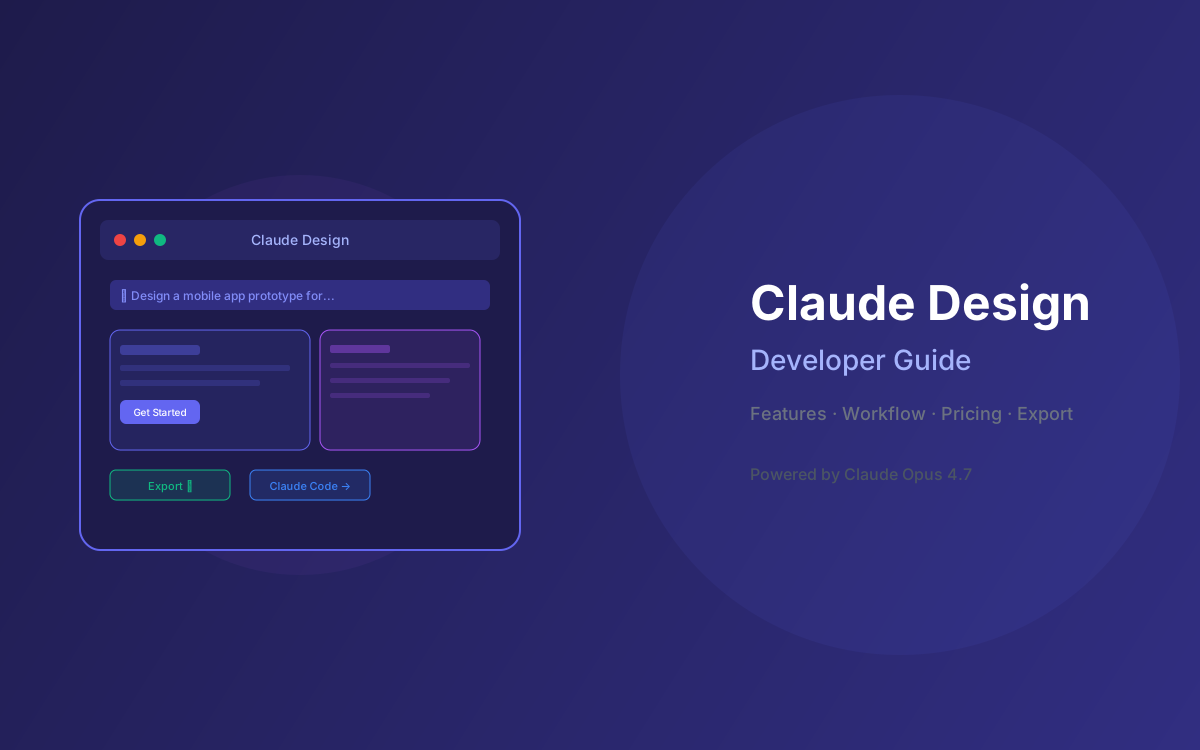
On April 17, 2026, Anthropic launched Claude Design, a new Anthropic Labs product that turns natural-language prompts into polished prototypes, pitch decks, wireframes, marketing assets, and interactive experiences. Powered by Claude Opus 4.7, it represents Anthropic's clearest move from foundation-model provider into the application layer dominated by Figma and Canva.
Designers at Brilliant reported that complex pages requiring 20+ prompts in other AI tools needed just 2 prompts in Claude Design. Product teams are going from rough ideas to working prototypes before anyone leaves the room. This guide covers everything you need to know to start using Claude Design effectively — features, workflow, pricing, export options, and how it fits into a modern design-to-code pipeline.
Whether you're a designer exploring directions, a PM sketching feature flows, or a founder building a pitch deck, this is the complete developer and team guide to Claude Design.
📑 Table of Contents
- What Is Claude Design?
- Key Features & Capabilities
- How Claude Design Works: The Creative Flow
- Pricing & Plan Availability
- Export Options & Canva Integration
- Claude Design to Claude Code Handoff
- Use Cases by Role
- Architecture Diagram: Claude Design Workflow
- Limitations & What's Coming Next
- Why Lushbinary for AI-Powered Design Workflows
1What Is Claude Design?
Claude Design is an AI-powered visual creation tool from Anthropic Labs, available as a research preview at claude.ai/design. It's built on Claude Opus 4.7, Anthropic's most capable vision model, and lets you collaborate with Claude to produce visual work through conversation.
Unlike traditional design tools where you manually place every element, Claude Design interprets your intent and builds a first version. You then refine through conversation, inline comments, direct edits, or custom sliders that Claude creates for you. The tool automatically applies your team's design system to every project when given access, keeping output consistent with your brand.
Anthropic positions Claude Design as a tool that gives designers room to explore widely (prototyping a dozen directions instead of rationing to a few) and gives non-designers a way to produce professional visual work. It launched on April 17, 2026 for Claude Pro, Max, Team, and Enterprise subscribers, with Enterprise orgs requiring admin enablement.
2Key Features & Capabilities
Claude Design covers a broader range of outputs than most AI design tools. Here's what it can produce:
Interactive Prototypes
Turn static mockups into shareable interactive prototypes for user testing - no code review or PRs needed.
Wireframes & Mockups
PMs can sketch feature flows and hand them off to Claude Code for implementation or to designers for refinement.
Pitch Decks & Presentations
Go from a rough outline to a complete, on-brand deck in minutes. Export as PPTX or send directly to Canva.
Marketing Collateral
Create landing pages, social media assets, and campaign visuals. Loop in designers to polish the output.
Design Explorations
Quickly generate a wide range of design directions to explore before committing to one approach.
Frontier Design
Build code-powered prototypes with voice, video, shaders, 3D, and built-in AI capabilities.
Automatic Design System
During onboarding, Claude builds a design system for your team by reading your codebase and design files. Every project after that uses your colors, typography, and components automatically. You can refine the system over time, and teams can maintain more than one design system for different brands or products.
Flexible Input Sources
Start from a text prompt, upload images and documents (DOCX, PPTX, XLSX), point Claude at your codebase, or use the web capture tool to grab elements directly from your website so prototypes look like the real product.
3How Claude Design Works: The Creative Flow
Claude Design follows a natural creative workflow with four stages:
1. Describe
Start with a text prompt, upload reference images, import documents, or point to your codebase. Claude generates a first version based on your intent.
2. Refine
Comment inline on specific elements, edit text directly, or use adjustment knobs to tweak spacing, color, and layout live. Ask Claude to apply changes across the full design.
3. Collaborate
Share designs with organization-scoped permissions: private, view-only, or edit access. Colleagues can modify designs and chat with Claude together in group conversations.
4. Export
Share as an internal URL, save as a folder, or export to Canva, PDF, PPTX, or standalone HTML files. Hand off to Claude Code with a single instruction.
4Pricing & Plan Availability
Claude Design is included with paid Claude subscriptions at no additional cost. However, it has its own usage tracking and weekly limits that sit alongside (not inside) your existing chat or Claude Code limits.
| Plan | Price | Claude Design Access |
|---|---|---|
| Free | $0 | Not available |
| Pro | $20/mo | Included - own weekly limits |
| Max 5x | $100/mo | Included - higher weekly limits |
| Max 20x | $200/mo | Included - highest individual limits |
| Team | $25–$30/seat/mo | Included - per-seat weekly allowance |
| Enterprise | Custom | Off by default - admin must enable |
💡 Usage Metering
Claude Design is priced and metered independently from the rest of Claude. Each provisioned user gets a recurring weekly allowance that resets every seven days. Admins can purchase extra usage for additional capacity beyond the weekly limits.
5Export Options & Canva Integration
Claude Design supports multiple export paths, making it flexible for different workflows:
- Canva — Designs become fully editable in Canva's drag-and-drop editor, ready to customize, collaborate on, and publish. Canva was a launch partner for this integration.
- PPTX — Export presentations directly as PowerPoint files for stakeholder reviews and client meetings.
- PDF — Generate print-ready or shareable PDF documents from any design.
- HTML — Export as standalone HTML files for quick deployment or developer handoff.
- Internal URL — Share designs within your organization via a link with configurable permissions.
- Folder — Save as a local folder for offline access and version control.
Anthropic has stated that over the coming weeks, they'll make it easier to build integrations with Claude Design, connecting it to more tools teams already use.
6Claude Design to Claude Code Handoff
One of Claude Design's most compelling features for developers is the direct handoff to Claude Code. When a design is ready to build, Claude packages everything into a handoff bundle that includes design intent, component structure, and visual specifications.
Brilliant's design team reported that including design intent in Claude Code handoffs made the jump from prototype to production seamless. This creates a continuous pipeline: describe → design → refine → build, all within the Claude ecosystem.
⚡ Design-to-Code Pipeline
The Claude Design → Claude Code handoff is a single instruction. Claude packages the design system, component hierarchy, layout specifications, and interaction patterns into a bundle that Claude Code can implement directly. No manual spec writing required.
7Use Cases by Role
🎨 Designers
Explore a dozen design directions instead of rationing to a few. Turn static mockups into interactive prototypes for user testing without code review. Rapidly iterate on visual explorations with inline comments and adjustment sliders.
📋 Product Managers
Sketch feature flows and wireframes to share with engineering. Create interactive prototypes for stakeholder demos. Hand off designs directly to Claude Code for implementation.
🚀 Founders & Executives
Build pitch decks from rough outlines in minutes. Create investor presentations with consistent branding. Export to PPTX for board meetings or send to Canva for final polish.
📣 Marketers
Create landing pages, social media assets, and campaign visuals. Generate marketing collateral that matches brand guidelines automatically. Loop in designers for final refinement.
💻 Developers
Receive design handoff bundles from Claude Design directly into Claude Code. Build from prototypes that include design intent and component specifications. Reduce back-and-forth between design and engineering.
8Architecture Diagram: Claude Design Workflow
Here's how Claude Design fits into a modern design-to-production pipeline:
9Limitations & What's Coming Next
Claude Design is a research preview, and there are some important limitations to be aware of:
- No free tier — Requires a paid Claude subscription (Pro, Max, Team, or Enterprise). Not available on the free plan.
- No Figma export — Exports to Canva, PPTX, PDF, and HTML, but not directly to Figma. Teams using Figma as their source of truth will need to adapt their workflow.
- Research preview status — Features and capabilities may change. Not recommended as a sole production design tool yet.
- Weekly usage limits — Metered independently from chat and Claude Code. Heavy design work may hit limits, especially on Pro plans.
- Enterprise opt-in required — Enterprise admins must explicitly enable Claude Design in Organization settings. It's off by default.
- No plugin ecosystem — Unlike Figma's 2,000+ plugins, Claude Design doesn't have a third-party extension system yet.
Anthropic has indicated that more integrations are coming in the weeks ahead, which should address some of these gaps. The Canva partnership suggests more third-party connections are on the roadmap.
10Why Lushbinary for AI-Powered Design Workflows
At Lushbinary, we're already integrating Claude Design into our client delivery workflows. The design-to-code pipeline — from Claude Design prototypes to Claude Code implementation — aligns perfectly with how we build modern web and mobile applications.
Our team helps businesses leverage AI-powered design tools to accelerate product development:
- Rapid prototyping with Claude Design for stakeholder alignment
- Design system setup and brand consistency across AI-generated assets
- Claude Design → Claude Code handoff for production implementation
- Full-stack development with Next.js, React, and AWS infrastructure
- AI integration consulting for teams adopting Claude's ecosystem
🚀 Free Consultation
Want to integrate Claude Design into your product workflow? Lushbinary specializes in AI-powered design-to-code pipelines. We'll help you set up design systems, optimize your Claude workflow, and build production-ready applications — no obligation.
❓ Frequently Asked Questions
What is Claude Design and when was it launched?
Claude Design is an AI-powered visual design tool launched on April 17, 2026 by Anthropic Labs. It creates prototypes, pitch decks, wireframes, marketing assets, and interactive experiences through natural language conversation, powered by Claude Opus 4.7.
How much does Claude Design cost?
Claude Design is included with Claude Pro ($20/mo), Max ($100-$200/mo), Team ($25-$30/seat/mo), and Enterprise (custom) plans at no extra cost. It has its own weekly usage limits separate from chat and Claude Code.
What can you create with Claude Design?
Interactive prototypes, wireframes, pitch decks (exportable as PPTX), marketing collateral, and frontier designs with voice, video, 3D, shaders, and built-in AI. It also auto-applies your team's design system.
Can Claude Design export to Figma or Canva?
It exports to Canva (fully editable), PDF, PPTX, HTML, and shareable URLs. No direct Figma export yet. Designs can also be handed off to Claude Code for implementation.
How does Claude Design compare to Figma and Google Stitch?
Claude Design focuses on conversational design with auto brand systems and multi-format output. Figma has 80-90% UI/UX market share with deep plugin ecosystem. Google Stitch is free and exports production-ready code. Claude Design's unique edge is the Claude Code handoff.
Does Claude Design support team collaboration?
Yes. Organization-scoped sharing with private, view-only, or edit access. Colleagues can modify designs and chat with Claude together in group conversations.
📚 Sources
- Introducing Claude Design by Anthropic Labs — Anthropic official announcement
- Claude Design subscription usage and pricing — Claude Support
- Get started with Claude Design — Claude Support
- Introducing Canva in Claude Design — Canva Newsroom
Content was rephrased for compliance with licensing restrictions. Feature details sourced from official Anthropic and Canva announcements as of April 2026. Pricing and availability may change — always verify on the vendor's website.
Build Faster with AI-Powered Design
From Claude Design prototypes to production code — Lushbinary helps you ship faster with AI-native workflows.
Ready to Build Something Great?
Get a free 30-minute strategy call. We'll map out your project, timeline, and tech stack - no strings attached.
Prefer email? Reach us directly: