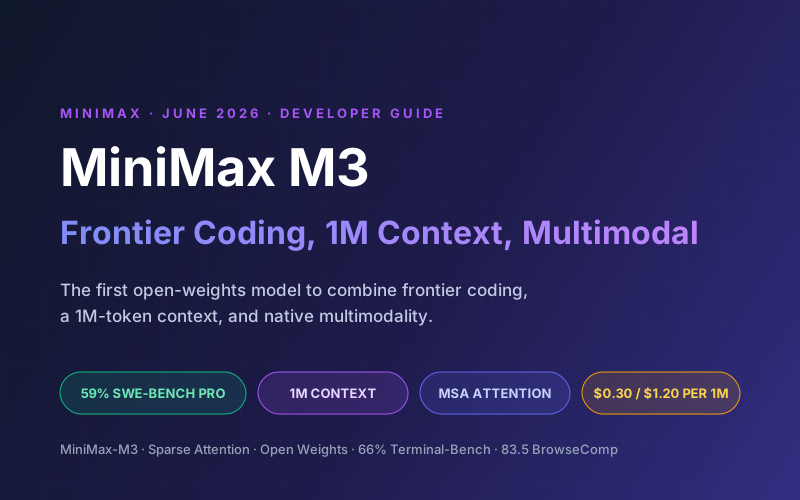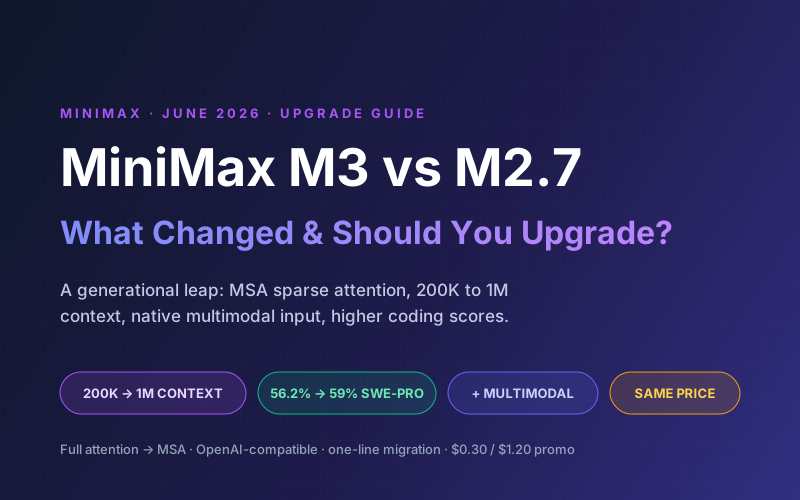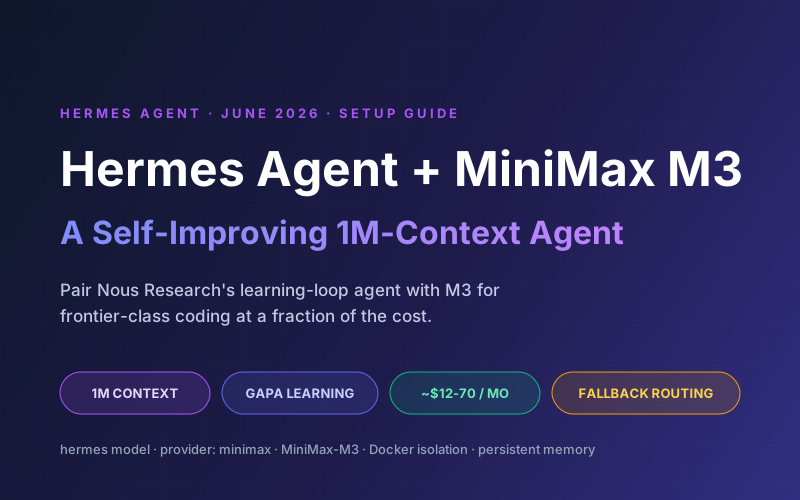
MiniMax M3 launched on June 1, 2026 as the first open-weights model to combine frontier coding, a 1-million-token context window, and native multimodality. It scores 59.0% on SWE-Bench Pro, runs on the new MSA sparse-attention architecture, and lists at roughly $0.30 per million input tokens at launch promo pricing. That is the rare combination of frontier-class coding and throwaway cost.
Hermes Agent, built by Nous Research, is the open-source AI agent with a built-in learning loop: it creates skills from experience, refines them during use, and builds persistent memory across sessions. Pairing it with M3 gives you a self-improving agent that can hold an entire codebase in context and run for hours without a frontier-model bill.
This guide walks through connecting Hermes Agent to MiniMax M3, tuning it for the long context window, setting up fallback routing, using the GAPA learning loop, and a worked cost breakdown. If you want the model itself first, read our MiniMax M3 developer guide.
📑 What This Guide Covers
1Why MiniMax M3 Fits Hermes Agent
Hermes Agent needs a model that can handle multi-step tool-calling, stay coherent across long sessions, and follow complex instructions. M3 checks every box, and the 1M context plus low price open up workflows that were impractical on the M2 line:
| Feature | MiniMax M3 | Why it matters for Hermes |
|---|---|---|
| Context window | Up to 1M tokens | Hold whole repos and long session history in view at once |
| SWE-Bench Pro | 59.0% | Near-Opus coding for tool-calling and code generation |
| Terminal-Bench 2.1 | 66.0% | Strong CLI and terminal task completion for agent actions |
| Architecture | Sparse MoE + MSA | ~9x faster prefill, ~15x faster decode at 1M context |
| Input cost | ~$0.30/M (promo) | Run the agent continuously without a runaway bill |
| Modalities | Text, image, video in | Feed screenshots and diagrams directly into agent tasks |
The combination is what makes this pairing compelling. Hermes Agent generates skills and refines its behavior over time, and M3's low cost means you can let the loop run continuously. Compared to the earlier Hermes + MiniMax M2.7 setup, the jump from a 200K to a 1M context is the biggest practical difference for long-running agents.
2Prerequisites & API Key Setup
Before you start you will need:
- A computer running macOS, Linux, or Windows with WSL2
- A MiniMax API key from platform.minimax.io (or an OpenRouter key)
- Terminal access (bash or zsh)
- Create an account at platform.minimax.io
- Open the API Keys section in your dashboard
- Generate a new key and copy it for the Hermes setup step
- New accounts get trial credits; for sustained use, add billing or subscribe to a Token Plan
💡 Cost Tip
M3 launched with a temporary 50% promo (~$0.30/M input, $1.20/M output). Budget against the standard $0.60/$2.40 rate so your costs do not surprise you when the promotion ends.
3Installing Hermes Agent
Hermes Agent installs with a single command on macOS, Linux, WSL2, or Android (Termux):
curl -fsSL https://raw.githubusercontent.com/NousResearch/hermes-agent/main/scripts/install.sh | bashReload your shell, then verify:
source ~/.zshrc   # or source ~/.bashrc
hermes --version
For a deeper dive into Hermes Agent's architecture, skills, and memory backends, see our Hermes Agent Developer Guide.
4Connecting MiniMax M3 as Your Provider
Option A: Interactive Setup (Recommended)
hermes model- Select MiniMax (global endpoint) from the provider list
- Paste your MiniMax API key when prompted
- Select MiniMax-M3 as the model
- Hermes validates the connection and confirms the context window
Option B: Manual Configuration
Add your key to the environment file:
# ~/.hermes/.env
MINIMAX_API_KEY=sk-your-api-key-here
Then set the provider and model:
# ~/.hermes/config.yaml
provider: minimax
model:
  default: MiniMax-M3
Start Hermes and confirm M3 is the active model:
hermesPrefer to route through OpenRouter instead? Use the OpenRouter provider with OPENROUTER_API_KEY and set the model to minimax/minimax-m3. This is the quickest way to test M3 without a first-party MiniMax account.
5Tuning for the 1M Context Window
M3's 1M context is a powerful tool, but bigger is not always better. Filling the window with irrelevant content costs money and can dilute the model's focus (the well-documented "context rot" effect). A few settings keep it efficient:
# ~/.hermes/config.yaml
provider: minimax
model:
  default: MiniMax-M3

context:
  max_tokens: 400000      # cap the working window; raise only when needed
  auto_compact: true      # summarize old turns instead of dropping them

memory:
  backend: sqlite         # persist facts outside the context window
  auto_summarize: true

terminal:
  backend: docker         # isolate agent shell commands
💡 Pro Tip
Treat the 1M window as headroom, not a target. Keep the active context lean with compaction and lean on persistent memory for durable facts. For the full playbook, see our context engineering guide.
6Fallback & Cost-Aware Routing
Hermes Agent supports fallback providers. If the primary fails (rate limit, outage), it switches to a backup automatically.
M3 as primary, local Ollama as offline fallback
# ~/.hermes/config.yaml
provider: minimax
model:
  default: MiniMax-M3

fallback_provider:
  provider: ollama
  model: qwen3.6:32b
Frontier model as primary, M3 as cost-saving fallback
# ~/.hermes/config.yaml
provider: anthropic
model:
  default: claude-opus-4-8

fallback_provider:
  provider: minimax
  model: MiniMax-M3
You can also switch models mid-session with the /model slash command, so you can start a hard task on a frontier model and drop to M3 for the long, routine follow-up work.
7The Self-Improving Learning Loop
Hermes Agent's defining feature is its Generalized Action and Prompt Adaptation (GAPA) system. After a batch of tool-calling interactions, GAPA evaluates what worked, what did not, and distills successful workflows into reusable skills, automatically. M3's large context lets the loop reason over more history when it does this.
Because M3 is cheap, you can let GAPA run on real workloads all day without watching the meter. Over a week or two, the agent accumulates skills tuned to your specific tools and repos, which is where the self-improving design earns its keep.
8Real-World Workflows
Whole-repo refactors
Load an entire mid-size codebase into context and ask the agent to plan and execute a cross-cutting change, with the long window keeping all the relevant files in view.
Scheduled summaries
Use Hermes cron jobs to have M3 read long documents or logs nightly and post a Telegram or Slack digest, cheap enough to run daily.
Research agents
M3's strong BrowseComp score makes it a solid driver for autonomous browsing and multi-source research tasks.
Multimodal triage
Feed screenshots, diagrams, or short clips into the agent for bug triage or visual QA, since M3 accepts image and video input.
9Cost Breakdown
Hermes Agent usage varies widely with how much context you fill. Assuming promo pricing ($0.30/M input, $1.20/M output) and a typical agent blend of about 90% input / 10% output (a blended rate of roughly $0.39 per million tokens), here is a realistic monthly range:
| Usage profile | Tokens/day | Est. monthly (promo) |
|---|---|---|
| Light (occasional tasks) | ~1M | ~$12 |
| Moderate (daily agent use) | ~3M | ~$35 |
| Heavy (continuous long-context) | ~6M | ~$70 |
The same workloads on a frontier model like Claude Opus would run roughly 10-15x higher. The math assumes a 90/10 input/output blend at promo pricing; your exact figure depends on how aggressively you fill the context window, which is why the tuning in step 5 matters. Budget against the standard $0.60/$2.40 rate (about 2x) for the long term.
10Why Lushbinary for AI Agent Deployment
At Lushbinary, we deploy Hermes Agent and OpenClaw stacks for clients across industries, from automated support pipelines to internal DevOps assistants. We specialize in:
- AI agent architecture - choosing the right model, provider, and deployment strategy for your use case
- Cost optimization - model routing, fallbacks, and caching to minimize API spend
- Production deployment - Docker isolation, monitoring, auto-restart, and security hardening
- Custom skill development - domain-specific skills that integrate with your existing tools and APIs
- MCP server integration - connecting agents to your databases, CRMs, and internal services
🚀 Free Consultation
Want to deploy Hermes Agent with MiniMax M3 for your team? Lushbinary will scope your agent architecture, configure cost-aware model routing, and set up production-grade deployment - no obligation.
❓ Frequently Asked Questions
How do I connect Hermes Agent to MiniMax M3?
Run 'hermes model', select MiniMax from the provider list, enter your MINIMAX_API_KEY, and choose MiniMax-M3 as the model. Alternatively, set MINIMAX_API_KEY in ~/.hermes/.env and configure provider: minimax with model default MiniMax-M3 in config.yaml.
How much does it cost to run Hermes Agent with MiniMax M3?
At launch promo pricing, MiniMax M3 costs about $0.30 per million input tokens and $1.20 per million output tokens (standard rate $0.60/$2.40). Typical Hermes Agent usage runs roughly $12-70/month depending on how much of the 1M context you fill, versus $100-300/month on frontier models for comparable work.
Does MiniMax M3's 1M context help Hermes Agent's learning loop?
Yes. M3's 1M-token context window, MSA efficiency, and strong tool-calling make it well suited to Hermes Agent's GAPA learning loop, skill creation, and long multi-step sessions. The larger window lets the agent keep more task history in view, though persistent memory is still recommended for very long-running agents.
Can I use MiniMax M3 as a fallback model in Hermes Agent?
Yes. Hermes Agent supports fallback providers. You can set a frontier model as primary and MiniMax M3 as a cost-saving fallback, or run M3 as primary with a local Ollama model as the offline fallback, configured under fallback_provider in config.yaml.
What benchmarks does MiniMax M3 reach versus frontier models?
MiniMax M3 scores 59.0% on SWE-Bench Pro and 66.0% on Terminal-Bench 2.1, surpassing GPT-5.5 and Gemini 3.1 Pro on SWE-Bench Pro and approaching Claude Opus 4.7, at a fraction of their cost. It scores 83.5 on BrowseComp, ahead of Opus 4.7's 79.3.
📚 Sources
- MiniMax Research - MiniMax M3 Announcement
- OpenRouter - MiniMax M3 Pricing & Providers
- Hermes Agent Official Quickstart Guide
- Hermes Agent AI Providers Documentation
Content was rephrased for compliance with licensing restrictions. Pricing and benchmark data sourced from official MiniMax, OpenRouter, and Nous Research documentation as of June 2026. Pricing and promotional discounts may change - always verify on the vendor's website.
Deploy Hermes Agent + MiniMax M3 for Your Team
Get a production-ready, self-improving AI agent with cost-optimized model routing, persistent memory, and custom skills tuned to your workflows.
Ready to Build Something Great?
Get a free 30-minute strategy call. We'll map out your project, timeline, and tech stack - no strings attached.
Prefer email? Reach us directly: