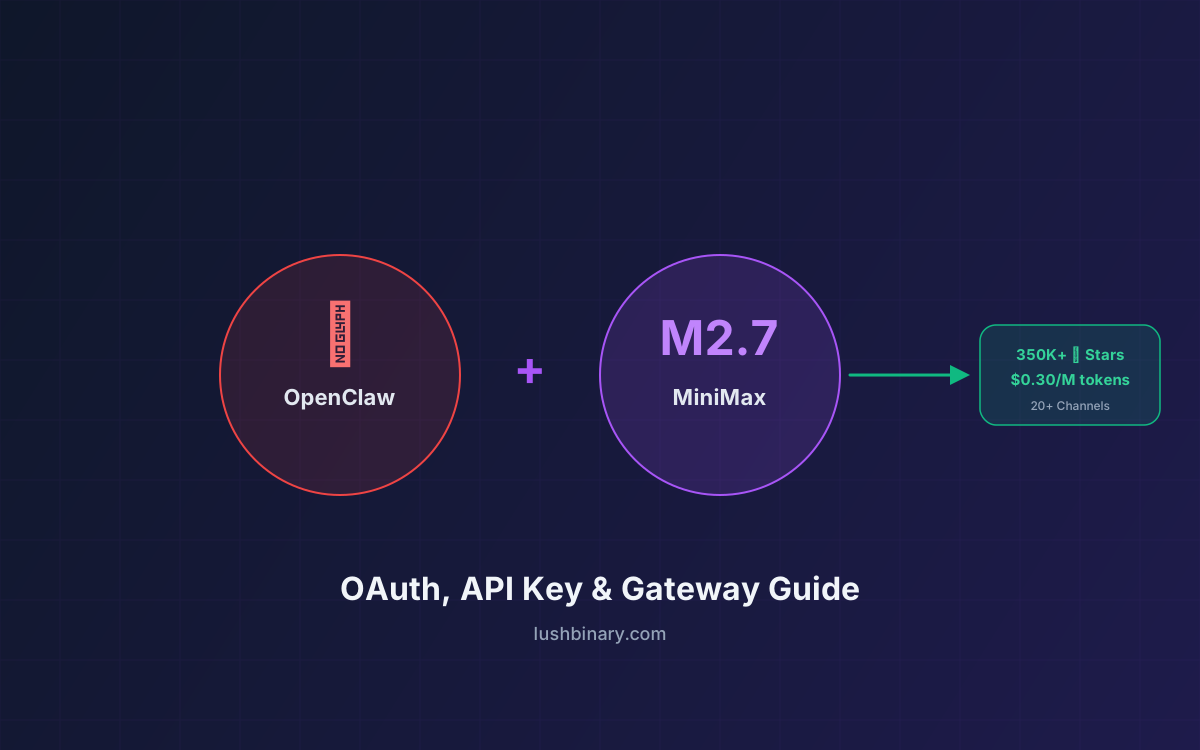
OpenClaw — the open-source AI agent framework with 350K+ GitHub stars — now defaults to MiniMax M2.7 as its primary text model. That means you get a 230B-parameter sparse MoE model that ranks #1 on the Artificial Analysis Intelligence Index, costs $0.30 per million input tokens, and handles agentic workflows with near-Opus quality.
OpenClaw's Gateway architecture connects M2.7 to 20+ messaging channels (Telegram, WhatsApp, Discord, Slack, iMessage, and more), 13,700+ ClawHub skills, and a growing ecosystem of MCP servers. The result is an always-on AI assistant that can automate real tasks across your messaging apps, file system, and APIs.
This guide covers everything: installation, MiniMax authentication (OAuth and API key), configuration options, model routing with fallbacks, real-world automation workflows, and cost optimization tips.
📑 What This Guide Covers
1Why MiniMax M2.7 + OpenClaw
OpenClaw's Gateway architecture is designed for always-on operation — it runs 24/7, listens on messaging channels, and executes tasks autonomously. That makes API cost the single biggest factor in choosing a model. MiniMax M2.7 changes the economics:
50x Cheaper Than Opus
$0.30/M input vs $15/M - run your agent all day without budget anxiety
200K Context Window
Handles complex multi-step workflows, long documents, and extended conversations
#1 Intelligence Index
Score of 50 on Artificial Analysis (136 models tested) - top-ranked for agentic tasks
78% SWE-bench Verified
Near-Opus coding quality (80.8%) at a fraction of the cost
~100 Tokens/sec
Fast enough for real-time messaging responses on Telegram, Discord, and WhatsApp
Native OpenClaw Support
Default model in OpenClaw's MiniMax provider - zero extra configuration needed
OpenClaw's MiniMax provider defaults to M2.7 and keeps M2.5 in the catalog for compatibility. When you authenticate with MiniMax, you also get automatic access to the VLM endpoint for image understanding — no extra setup needed.
2Prerequisites
- macOS, Linux, or Windows with WSL
- A MiniMax account at platform.minimax.io (free tier available)
- Terminal access (bash or zsh)
You can authenticate via OAuth (no API key needed) or with a manual API key. OAuth is the fastest path — it handles everything automatically.
3Installing OpenClaw
Install OpenClaw with the one-line installer:
curl -fsSL https://openclaw.ai/install.sh | bashThe installer presents an interactive setup wizard. When prompted:
- Select "Yes" to start setup
- Choose "QuickStart" for guided configuration
- Select "MiniMax" as the model provider
- Choose your authentication method (OAuth recommended)
- Select a messaging channel (Telegram, WhatsApp, Discord, etc.)
- Optionally install additional skills from ClawHub
For a deeper dive into OpenClaw's architecture, see our How OpenClaw Works Behind the Scenes guide.
4MiniMax OAuth Setup (Recommended)
OAuth is the fastest way to connect OpenClaw to MiniMax. It handles authentication automatically without manual API key configuration.
Step 1: Enable the MiniMax Plugin
openclaw plugins enable minimax
openclaw gateway restart    # restart if gateway is already running
Step 2: Authenticate via OAuth
openclaw onboard --auth-choice minimax-portalYou'll be prompted to select an endpoint:
- Global — International users (
api.minimax.io) - CN — Users in China (
api.minimaxi.com)
A browser window opens for MiniMax sign-in. After authorizing, return to the terminal — OpenClaw automatically configures M2.7 as your default model.
🖼️ Bonus: Image Understanding
When logged in via MiniMax OAuth, OpenClaw's image tool is automatically configured to use the VLM endpoint behind MiniMax's Image Understanding MCP server. Your agent gets image understanding capabilities out of the box — no extra setup needed.
5MiniMax API Key Setup
If you prefer manual API key configuration over OAuth, here's the full setup:
Option A: Interactive CLI
openclaw configure
# Select "Model/auth"
# Choose a MiniMax auth option
# Enter your API key when prompted
# Pick MiniMax-M2.7 as default model
Option B: Manual openclaw.json
Edit ~/.openclaw/openclaw.json directly:
{
  "env": { "MINIMAX_API_KEY": "sk-..." },
  "agents": {
    "defaults": {
      "model": { "primary": "minimax/MiniMax-M2.7" }
    }
  },
  "models": {
    "mode": "merge",
    "providers": {
      "minimax": {
        "baseUrl": "https://api.minimax.io/anthropic",
        "apiKey": "${MINIMAX_API_KEY}",
        "api": "anthropic-messages",
        "models": [
          {
            "id": "MiniMax-M2.7",
            "name": "MiniMax M2.7",
            "reasoning": true,
            "input": ["text"],
            "cost": {
              "input": 0.3,
              "output": 1.2,
              "cacheRead": 0.03,
              "cacheWrite": 0.12
            },
            "contextWindow": 200000,
            "maxTokens": 8192
          }
        ]
      }
    }
  }
}
Then restart the gateway:
openclaw gateway start⚠️ Model ID Is Case-Sensitive
Use exactly minimax/MiniMax-M2.7 (capital M's). Common variants: minimax/MiniMax-M2.7-highspeed, minimax/MiniMax-M2.5, minimax/MiniMax-M2.5-highspeed.
6MiniMax Model Catalog in OpenClaw
OpenClaw's MiniMax provider includes several model options:
| Model ID | Type | Context | Best For |
|---|---|---|---|
| MiniMax-M2.7 | Text (default) | 200K | General agent tasks, coding, reasoning |
| MiniMax-M2.7-highspeed | Text (fast) | 200K | High-throughput messaging, low-latency responses |
| MiniMax-M2.5 | Text (legacy) | 200K | Compatibility with older workflows |
| MiniMax-VL-01 | Vision | - | Image understanding (auto-configured via OAuth) |
Switch models at any time:
openclaw models list                          # See available models
openclaw models set minimax/MiniMax-M2.7      # Switch to M2.7
7Fallback & Model Routing
OpenClaw supports sophisticated model routing with fallbacks. This is essential for production deployments where you want reliability without overspending.
M2.7 as Primary with Opus Fallback
{
  "agents": {
    "defaults": {
      "model": {
        "primary": "minimax/MiniMax-M2.7",
        "fallbacks": ["anthropic/claude-opus-4-6"]
      }
    }
  }
}
Opus as Primary, M2.7 as Cost-Saving Fallback
{
  "agents": {
    "defaults": {
      "models": {
        "anthropic/claude-opus-4-6": { "alias": "primary" },
        "minimax/MiniMax-M2.7": { "alias": "minimax" }
      },
      "model": {
        "primary": "anthropic/claude-opus-4-6",
        "fallbacks": ["minimax/MiniMax-M2.7"]
      }
    }
  }
}
This pattern is popular for teams that want Opus quality for critical tasks but want M2.7 to handle overflow when Opus hits rate limits or goes down.
8Gateway & Messaging Channels
OpenClaw's Gateway is the control plane that connects your AI agent to messaging platforms. With M2.7 as the backend, you get fast, affordable responses across all channels.
To connect a messaging channel after initial setup:
# Add Telegram
openclaw gateway setup    # Select Telegram, follow bot creation steps

# Or add Discord
openclaw gateway setup    # Select Discord, paste bot token

# Start the gateway
openclaw gateway start
9Skills & MCP Servers
OpenClaw's skill ecosystem is one of its biggest advantages. With 13,700+ skills on ClawHub, you can extend your M2.7-powered agent to handle almost anything:
# Search for skills
openclaw skills search kubernetes
openclaw skills search "code review"

# Install a skill
openclaw skills install official/github-pr-review
openclaw skills install official/daily-digest
Adding MCP Servers
Connect external tools via the Model Context Protocol:
// In ~/.openclaw/openclaw.json
{
  "mcpServers": {
    "github": {
      "command": "npx",
      "args": ["-y", "@modelcontextprotocol/server-github"],
      "env": {
        "GITHUB_PERSONAL_ACCESS_TOKEN": "ghp_xxx"
      }
    },
    "postgres": {
      "command": "npx",
      "args": ["-y", "@modelcontextprotocol/server-postgres"],
      "env": {
        "DATABASE_URL": "postgresql://..."
      }
    }
  }
}10Cost Breakdown
Here's what a typical OpenClaw + M2.7 deployment costs:
| Component | Cost | Notes |
|---|---|---|
| OpenClaw | Free | MIT licensed, self-hosted |
| MiniMax M2.7 API | $5-15/mo | Pay-as-you-go at $0.30/M input, $1.20/M output |
| MiniMax Token Plan | $40-150/mo | Optional: higher rate limits for heavy usage |
| Hosting (optional) | $5-20/mo | VPS for 24/7 gateway; or run on your own machine for free |
Compare that to running OpenClaw with Claude Opus ($150-300/month in API costs alone) and the savings are clear. For most personal and small-team use cases, M2.7 delivers equivalent results at 10-20x lower cost.
11Troubleshooting
"Unknown model: minimax/MiniMax-M2.7"
This usually means the MiniMax provider isn't configured. Fix by: (1) upgrading to OpenClaw 2026.1.12 or later, (2) running openclaw configure and selecting a MiniMax auth option, or (3) adding the models.providers.minimax block manually to openclaw.json. Make sure the model ID is case-sensitive: minimax/MiniMax-M2.7.
Upgrading from M2.5 to M2.7
If you were previously using M2.5, open ~/.openclaw/openclaw.json and replace all instances of "M2.5" with "M2.7". Then restart the gateway with openclaw gateway start.
OAuth token expired
Re-run openclaw onboard --auth-choice minimax-portal to refresh your OAuth credentials. OpenClaw handles token refresh automatically in most cases, but manual re-auth may be needed after extended downtime.
Gateway not starting
Run openclaw doctor to diagnose issues. Common causes: port conflict (default 3000), missing environment variables, or outdated OpenClaw version. Update with openclaw update.
Slow responses on Telegram/Discord
Switch to MiniMax-M2.7-highspeed for lower latency on messaging channels. Also check your Token Plan tier — the $40/month plan allows 4,500 requests per 5 hours on highspeed.
12Why Lushbinary for OpenClaw Deployment
Lushbinary has been deploying OpenClaw stacks since the framework's early days. We've built production-grade agent deployments for clients across industries, and we specialize in:
- OpenClaw architecture design — Gateway configuration, model routing, and multi-channel deployment
- Cost optimization — M2.7 as primary with intelligent fallback routing to minimize API spend
- Custom skill development — Building domain-specific ClawHub skills for your business workflows
- AWS deployment — Running OpenClaw on EC2, ECS, or Lambda with auto-scaling and monitoring
- Security hardening — Credential management, skill vetting, and network isolation
🚀 Free Consultation
Want to deploy OpenClaw with MiniMax M2.7 for your team? Lushbinary will design your agent architecture, configure model routing, and deploy a production-ready stack — no obligation.
❓ Frequently Asked Questions
How do I connect OpenClaw to MiniMax M2.7?
Run 'openclaw configure', select MiniMax as the provider, and authenticate via OAuth or API key. OpenClaw defaults to MiniMax-M2.7 as the primary text model. Alternatively, set MINIMAX_API_KEY in your environment and configure the provider in openclaw.json.
How much does OpenClaw with MiniMax M2.7 cost per month?
MiniMax M2.7 costs $0.30/M input tokens and $1.20/M output tokens. Typical OpenClaw usage with daily automation runs $5-15/month. MiniMax also offers Token Plans at $40-$150/month with higher rate limits.
Does OpenClaw support MiniMax M2.7 image understanding?
Yes. When authenticated via MiniMax OAuth, OpenClaw automatically configures the VLM endpoint behind MiniMax's Image Understanding MCP server, giving your agent image understanding capabilities out of the box.
Can I use MiniMax M2.7 as a fallback model in OpenClaw?
Yes. OpenClaw supports model fallbacks in openclaw.json. Configure your primary model and add MiniMax-M2.7 to the fallbacks array under agents.defaults.model.
What is the difference between MiniMax M2.7 and M2.7-highspeed in OpenClaw?
Both models have the same pricing ($0.30/M input, $1.20/M output) and capabilities. M2.7-highspeed offers higher rate limits on paid Token Plans, making it better for high-throughput messaging gateway use cases.
📚 Sources
- MiniMax API Docs — OpenClaw Integration
- OpenClaw MiniMax Provider Documentation
- NVIDIA Blog — MiniMax M2.7 Architecture
- Artificial Analysis — MiniMax M2.7 Intelligence Index
- MiniMax Token Plan Pricing
Content was rephrased for compliance with licensing restrictions. Pricing and configuration data sourced from official MiniMax and OpenClaw documentation as of April 2026. Pricing may change — always verify on the vendor's website.
Deploy OpenClaw + MiniMax M2.7 for Your Team
Get a production-ready AI agent with cost-optimized model routing, 20+ messaging channels, and custom skills tailored to your workflows.
Ready to Build Something Great?
Get a free 30-minute strategy call. We'll map out your project, timeline, and tech stack - no strings attached.
Prefer email? Reach us directly: